
Free Online Games - Play Instantly in Your Browser
1,686 Games
No Install Needed
On Any Device
Play with Friends
All For Free

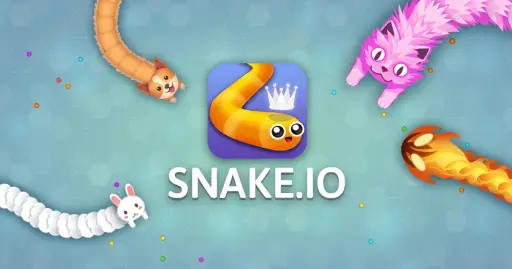



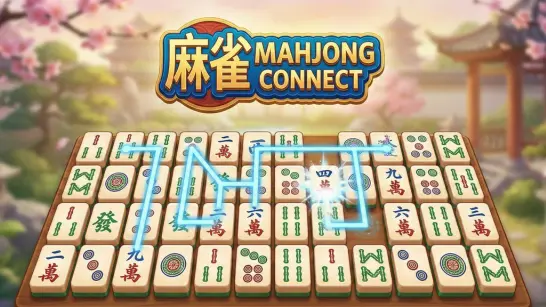


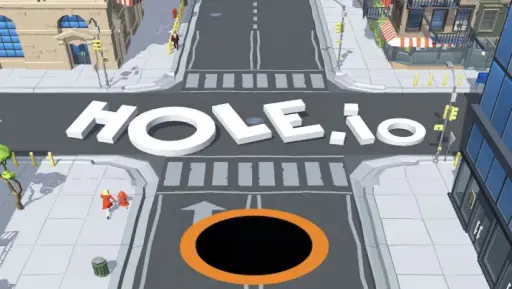

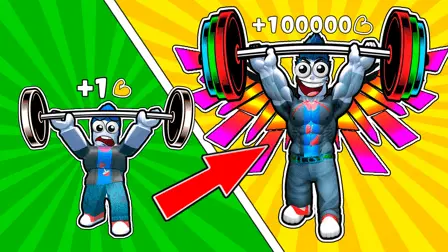
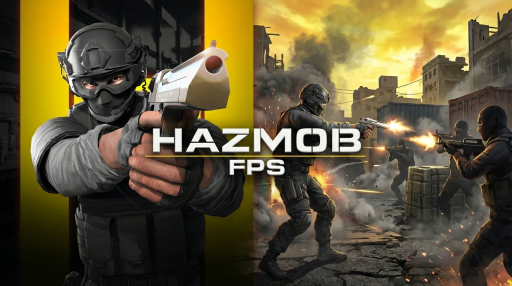
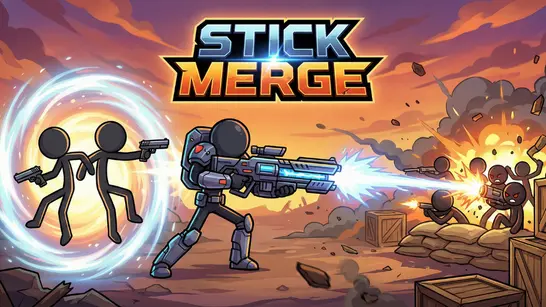


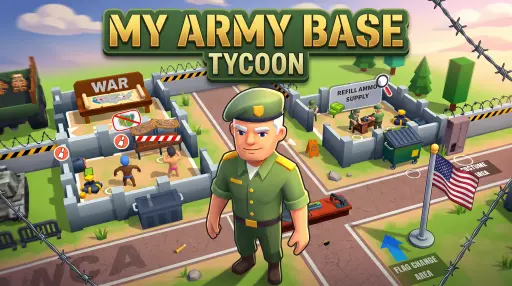


Popular Games

New Games


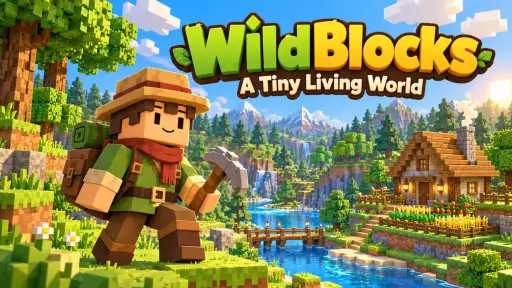
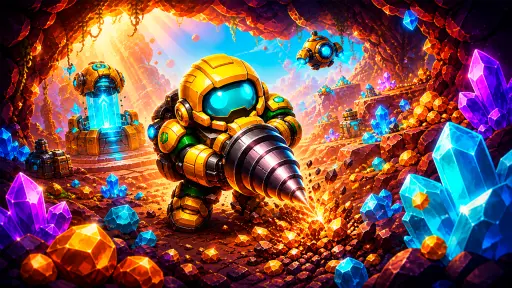

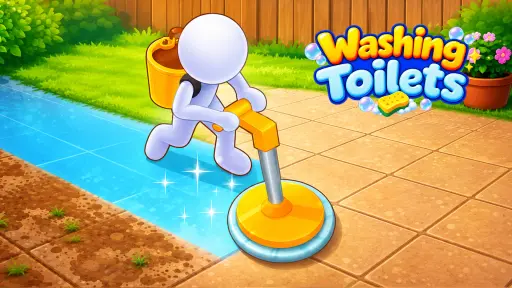

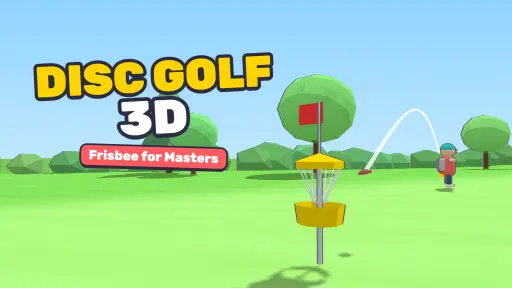


Jump straight into action. Play the Best Games. Zero Downloads.
Action
Show All Action




Adventure
Show All Adventure


Arcade
Show All Arcade



Cards
Show All Cards
Cards





Clicker
Show All Clicker







Driving
Show All Driving




.io Games
Show All .io Games

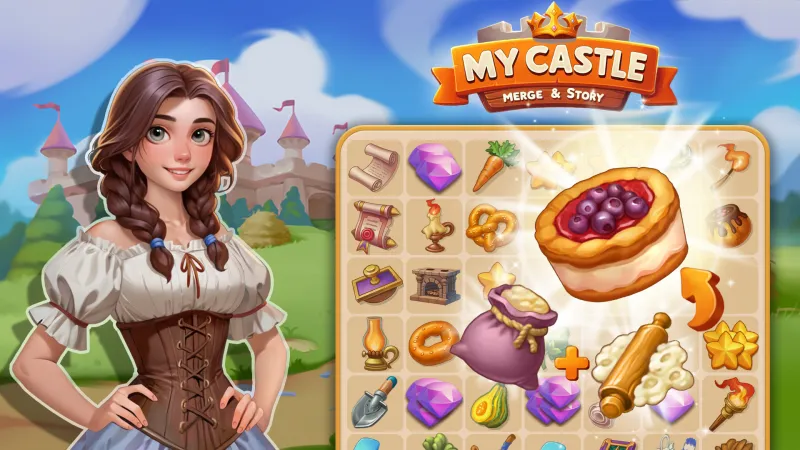
Merge
Show All Merge
Merge




Multiplayer
Show All Multiplayer




Puzzle
Show All Puzzle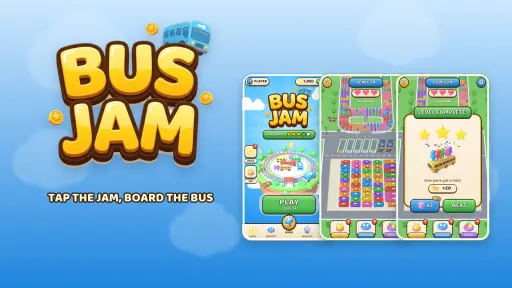




Shooting
Show All Shooting




Simulation
Show All Simulation



Sports
Show All Sports





Strategy
Show All Strategy




 Tycoon


Popular Tags
View moreMultiPixel
Play Free Online Games at MultiPixel.io — Or Install the App in One Tap
MultiPixel.io is a free online games portal built around instant play. Our library of 1000+ browser games loads straight in your tab — no downloads, no accounts, no launchers. Tap a thumbnail and you're playing in seconds.
But if you keep coming back, you don't have to keep typing the URL. MultiPixel is a full Web App, which means you can install it to your device and launch it like any other app — an icon on your phone's home screen, a shortcut on your Windows or Mac desktop. Same games, zero app store, zero install size.
Install MultiPixel as an App — No App Store Required
Our install prompt takes one tap. Once it's added, MultiPixel behaves like a native app rather than a website:
Home screen icon on mobile. Launch straight into your games from your Android or iPhone home screen — no browser, no address bar, no tab clutter.
Desktop shortcut on PC and Mac. Pin MultiPixel to your taskbar, dock or Start menu and open it in its own clean window.
True fullscreen play. Without browser chrome eating the top of the screen, you get every pixel of your display for the game itself.
Faster loading, less lag. Core assets are cached on your device after the first visit, so the app opens quicker on repeat sessions.
Almost no storage used. A traditional mobile game can cost you hundreds of megabytes. The MultiPixel app is a fraction of that, because the games stream from the web.
No app store, no permissions, no updates. Nothing to approve, nothing to patch. The app is always current the moment we ship new games.
Ready? Add MultiPixel to your home screen — it takes about five seconds and costs nothing.
How to install MultiPixel on your device
Android (Chrome): tap the install banner when it appears, or open the browser menu and choose Install app / Add to Home screen.
iPhone & iPad (Safari): tap the Share button, scroll down and choose Add to Home Screen.
Windows & Mac (Chrome or Edge): click the install icon in the address bar, or open the browser menu and choose Install MultiPixel.
Browse Games by Category
Whether you're playing in the browser or from the installed app, the whole library is the same. Start with our full category directory, or jump straight into a genre:
Action Games — non-stop reflex tests, boss fights and chaotic combat.
Shooting Games — arcade gun ranges through to full online FPS lobbies like Hazmob FPS.
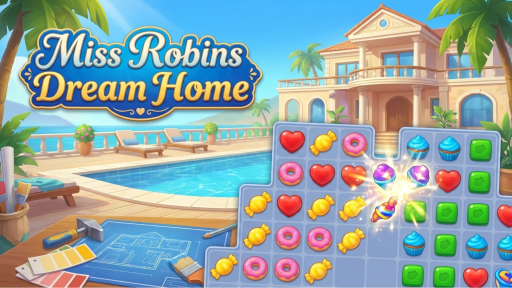
Puzzle Games — brain teasers, logic grids and satisfying match-3 boards.
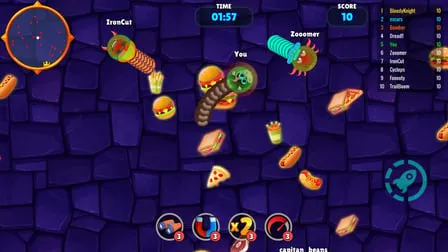
.io Games — eat, grow and dominate in real-time multiplayer arenas.
Merge Games — combine, upgrade and watch the numbers climb.
Driving Games — bikes, drift cars, highway racers and stunt tracks.
Sports Games — football, basketball, hockey and more, no gym required.
Strategy and Tower Defense — outthink the wave, hold the line.
Arcade and Clicker Games — pure pick-up-and-play scoring runs.
Simulation and Tycoon Games — build empires, run businesses, automate everything.
Cooking and Dress Up — creative, relaxed and endlessly replayable.
Adventure, Cards, Hidden Object and Bubble Shooter — the classics, refreshed.
Most Popular Games on MultiPixel
Titles our players keep coming back for: swing through levels in Stickman Hook, pull off insane bike stunts in Moto X3M, build an unstoppable arsenal in Stick Merge, hold off the horde in Zombie Survival Shooter, unwind with Water Sort or Mahjong Connect, cause total havoc in Playground Man! Ragdoll Show, or build your own course in Obby Maker. New games land every week — install the app and they're simply there next time you open it.
Why Players Choose MultiPixel
100% free forever. Every game, every level. No paywalls, no premium tier, no in-app purchases.
Install optional, always instant. Play in the browser, or add the app for one-tap access — your choice, same library either way.
No registration required. Skip the sign-up form and start playing immediately.
Works on any device. Windows, macOS, Android, iOS, Chromebook — if it runs a browser, it runs MultiPixel.
Lightweight and unblocked. HTML5 games that load fast even on slow or restricted connections.
Play with friends. Jump into online multiplayer lobbies in seconds.
Frequently Asked Questions
What is the MultiPixel app?
MultiPixel is a Progressive Web App. Installing it places an icon on your phone's home screen or your computer's desktop that opens our full game library in a fullscreen, browser-free window. It's the same site, in an app wrapper — nothing extra to download from an app store.
How do I install MultiPixel on my phone?
On Android, tap the install prompt or choose Install app from the Chrome menu. On iPhone, tap Share in Safari and select Add to Home Screen. Full instructions are on our app install page.
Can I install MultiPixel on a desktop or laptop?
Yes. In Chrome or Edge, click the install icon in the address bar to add a MultiPixel shortcut to your desktop, taskbar or Start menu. It opens in its own window, just like a desktop application.
Does the app take up storage space?
Barely any. The app caches only a small set of core files — a fraction of what a typical downloaded mobile game requires. The games themselves load from the web as you play.
Do I need an account to play?
No. You can play any game on MultiPixel, in the browser or the installed app, without registering or providing an email address.
Are the games really free?
Yes. Every game on MultiPixel.io is completely free. There are no subscriptions and no locked content — the site is supported by advertising so the library stays free for everyone.
How do I uninstall the app?
Exactly like any other app: press and hold the icon on mobile and choose remove, or uninstall it from your browser's app settings on desktop. Nothing is left behind.
How often are new games added?
New titles arrive every week and appear automatically — no update required. Browse the games page sorted by newest, or follow the MultiPixel blog for roundups.
Want the full story behind the site? Read about MultiPixel, install the app, or just start playing free online games — no downloads, no sign-up, no waiting.