

You might also like


Draw an Obby
Description
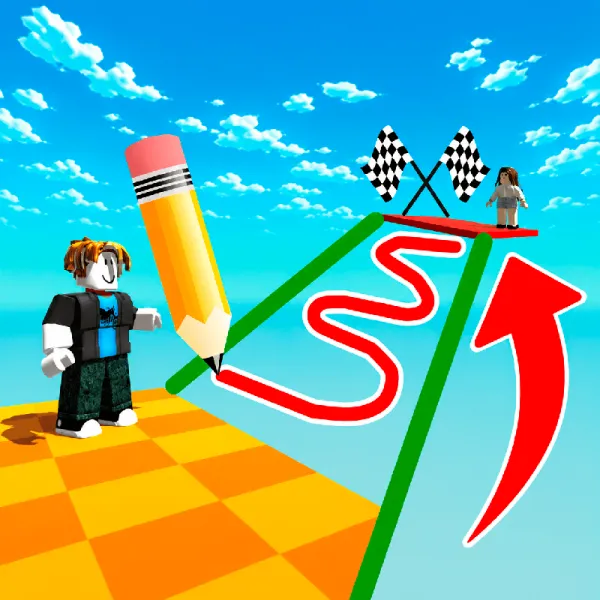
Thirty levels stand between you and the finish line, and each one is built to break your rhythm. Draw an Obby takes the standard obstacle course setup and adds a twist that makes every jump feel riskier: when there's no path forward, you have to draw one yourself, sketching shapes mid-run to bridge gaps, block hazards, or build a ledge where the level gives you nothing.
That mechanic is what makes this one hard to master. Timing your jump is only half the job. You also have to time your drawing, and if you're off by even a beat, a level you'd nearly cleared collapses around you. Get the timing right, though, and it feels like you found a shortcut the level designer never planned for.
Controls stay simple so the drawing stays the star: WASD and Space Bar on desktop, an on-screen interface on phone, with a draggable camera on both. As an Obby games entry, it rewards the same quick reflexes you'd expect, but layers in quick thinking that fans of Agility Games and Obstacles Games will recognize as a genuine step up in challenge.
How to Play
The goal is to get through all 30 levels by clearing obstacles that block your path, using your own drawn shapes to do it.
On computer, move with WASD, jump with the Space Bar, and hold the right mouse button to look around. On phone, use the on-screen interface to move and drag to look around.
Tip: don't rush the drawing part. A shape placed a second too early or too late can send you right back to the obstacle instead of past it.